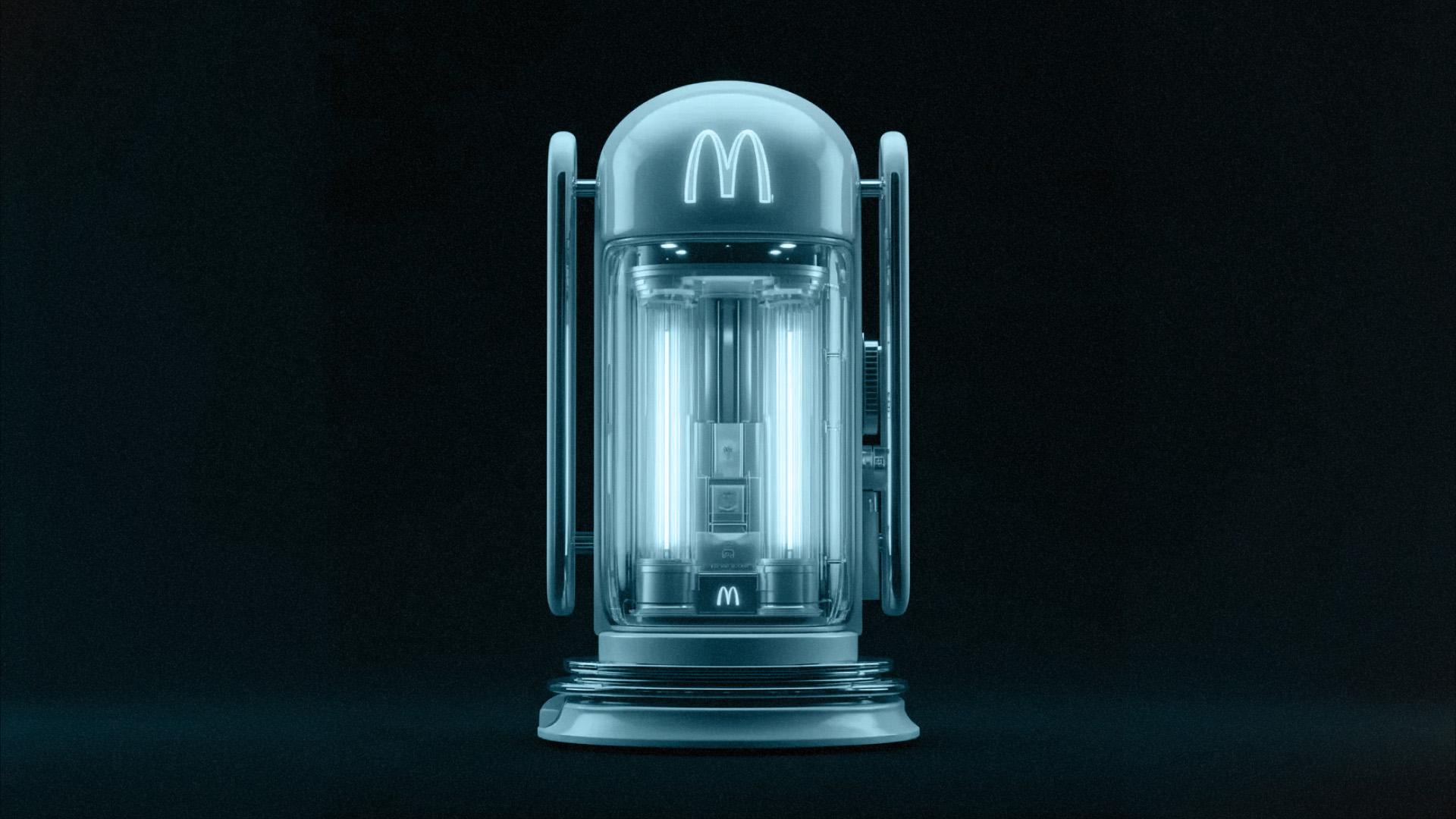
In 2026, AI visuals for business are becoming part of how brands create everyday content.
Instead of spending hours using complex design tools, your teams can now turn simple prompts into social posts, ads, thumbnails, and presentation graphics in minutes.
AI visuals for business help you ship faster, test more ideas, and keep your brand looking consistent across channels.
Also Read: AI for Junior Designers: How to Accelerate Your UI/UX Workflow
Why AI Visuals for Business Matter?
Before choosing tools, it’s useful to understand what AI visuals for business actually solve.
They reduce production time. Background removal, resizing, basic retouching, and layout suggestions can now be automated. That means designers and marketers spend more time on storytelling and strategy instead of manual formatting.
They also lower the skill barrier. Non-designers can create decent visuals for internal decks, quick mockups, or social posts without starting from a blank canvas. This is especially useful for lean teams or early-stage businesses.
Finally, AI helps scale creative variation. Need five versions of a hero image for A/B testing? Or different crops for Instagram, LinkedIn, and a landing page? AI makes it cheaper and faster to experiment.
How to Start Using AI Visuals for Business
Step 1 – Start With the Business Use Case
Before using any AI tool, ask yourself: “What is this visual supposed to achieve?”
- Social post to grab attention and communicate one key message.
- Landing page banner to build trust and highlight the value proposition.
- Pitch deck slide to clarify a concept or make data easier to understand.
Your goal and channel will influence whether you need an AI image, an infographic, a short AI-assisted video, or a simple branded graphic.
Step 2 – Pick the Right Type of AI Tool
You don’t need to use everything at once. Think in categories, not brand names:
- Template-based design tools for social posts, reports, and decks (fast layouts, brand kits, resizing).
- Text-to-image generators for concept art, hero images, or campaign ideas.
- AI photo or visual enhancers for background cleanup, upscaling, and retouching.
- AI video tools for short explainers, talking-head videos, or looping backgrounds.
Match the tool type to the job instead of forcing one tool to do everything.
Step 3 – Write Prompts Like a Creative Brief
Good prompts are mini-briefs. They should answer:
- What is the subject? (“business team reviewing dashboard in a modern office”)
- How should it feel? (“clean, optimistic, professional, not cheesy”)
- What style? (“soft lighting, minimal, with pink and white brand colors”)
- Where will it live? (“16:9 banner for website banner, plenty of negative space for copy”)
You can reuse prompt templates across campaigns and tweak details per visual.
Practical Ways to Use AI Visuals for Business
1. Social Media & Performance Ads
For social media and performance ads, you can use AI visuals for business to quickly generate multiple background variations around the same core product, then test which one performs best.
Let AI handle the early exploration and concepting, and let your design team step in to refine the winning options, so everything still feels on-brand.
Once you’ve found a direction that works, AI tools make it easy to resize and adapt assets for different platforms—Instagram, TikTok, LinkedIn, or display ads—without having to rebuild each visual from scratch.
2. Presentations, Reports, and Internal Docs
In presentations and reports, AI visuals for business can turn dense text or raw data into simple diagrams or infographics using AI-assisted templates.
You can generate consistent icon sets, section covers, or slide visuals that follow your brand style, so internal decks look more polished with less manual effort.
AI can also help you quickly mock up wireframes, user flows, or journey maps for stakeholder discussions, giving teams something concrete to react to before you invest in full design work.
3. Product, Service, and Explainer Visuals
For product and service communication, AI visuals for business can be used to build storyboard frames for explainer videos or feature walkthroughs, helping you align with narrative before production.
You can enhance product photos by removing distractions, adjusting lighting, and standardising backgrounds, so they look cleaner across your website and marketplaces.
AI also makes it easy to create simple looping background visuals for hero sections, product pages, or event screens—subtle motion that adds polish without needing a motion designer for every asset.
Best Practices When Using AI Visuals for Your Business
When you start using AI visuals for business, the hardest part is making sure they’re usable, on-brand, and safe to publish.
A bit of structure goes a long way in turning “cool AI outputs” into reliable marketing assets.
The guidelines below help you keep control of the result as you scale your visual production.
1. Protect and Amplify Your Brand
- Define a brand guideline: colours, type, illustration/photo style, and what you never use.
- Save prompts that consistently produce visuals aligned with your brand’s look and feel.
- Always apply brand elements (logo, typography, spacing) in the final stage.
2. Check Quality, Rights, and Context
AI makes it easy to produce a lot of visuals quickly, but not all of them should ship.
- Zoom in and check hands, faces, text, and small objects for odd artefacts.
- Review each tool’s usage rights before using visuals in ads or paid campaigns.
- Test the visual in context (mobile screen, landing page, feed) before publishing.
3. Keep Humans in the Loop
Use AI as a starting point, not a full replacement:
- Let AI handle the first 70% (layout, rough concept, variations).
- Use human judgment for the final 30% (story, nuance, prioritisation, brand fit).
Also Read: AI and Creativity: A Designer’s Best Friend or Frenemy?
Turning AI Visuals for Business Into Real Brand Value with Antikode
AI visuals for business only create real value when they are tied to clear goals, consistent branding, and a simple workflow your team can repeat.
With the right practice, AI becomes a creative partner that helps you ship more, test more, and learn faster, without sacrificing quality or brand trust.
At Antikode, we help brands use AI not as a gimmick, but as part of a thoughtful digital experience strategy. We combine UX design, engineering, and data to make every visual work harder for your business.
If you’re exploring AI visuals for business and looking for a partner to shape the right approach, contact us.